

Discount codes
A discount code takes a percentage off a guest’s order when they order and pay from their table. Give one out in an email to your guests, on a flyer or on social media.
-
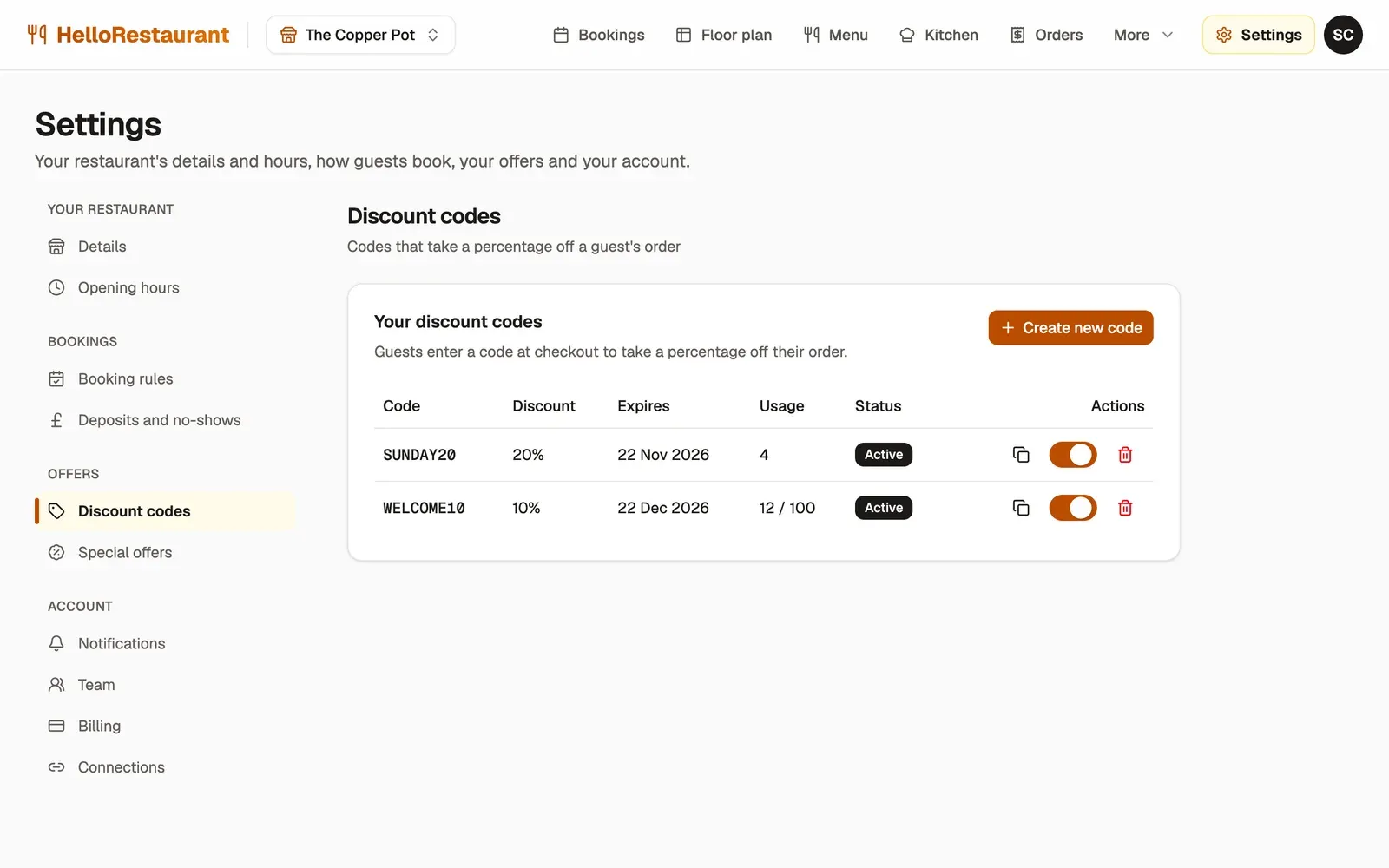
Open Settings in the top bar, choose Discount codes, then press Create new code. Set the Percentage off (%) and the Expiry date, and a Usage limit if you only want it used so many times. Press Create code, and we make up the code for you.
-
Use a code’s switch to stop it for a while, and switch it back on later.
Each code shows its discount, when it expires and how many times it’s been used. Press the copy button beside a code to copy it, ready to paste into an email or post.
How guests use a code
Section titled “How guests use a code”At checkout, guests type the code under Discount code and press Apply. The discount comes off their order before they pay. A code works until the end of its expiry date, and until it reaches its usage limit.
If a special offer is running too, the offer comes off first, then the code comes off what’s left.
Delete a code
Section titled “Delete a code”Press the delete button beside a code, then Delete code. Guests can’t use it any more, and this can’t be undone. To stop a code for a while instead, switch it off.
Run special offers on chosen days.