

Your team
Everyone signs in with their own email address, so there’s no shared password, and you can take someone off the team at any time. There’s no charge for extra people.
Add someone
Section titled “Add someone”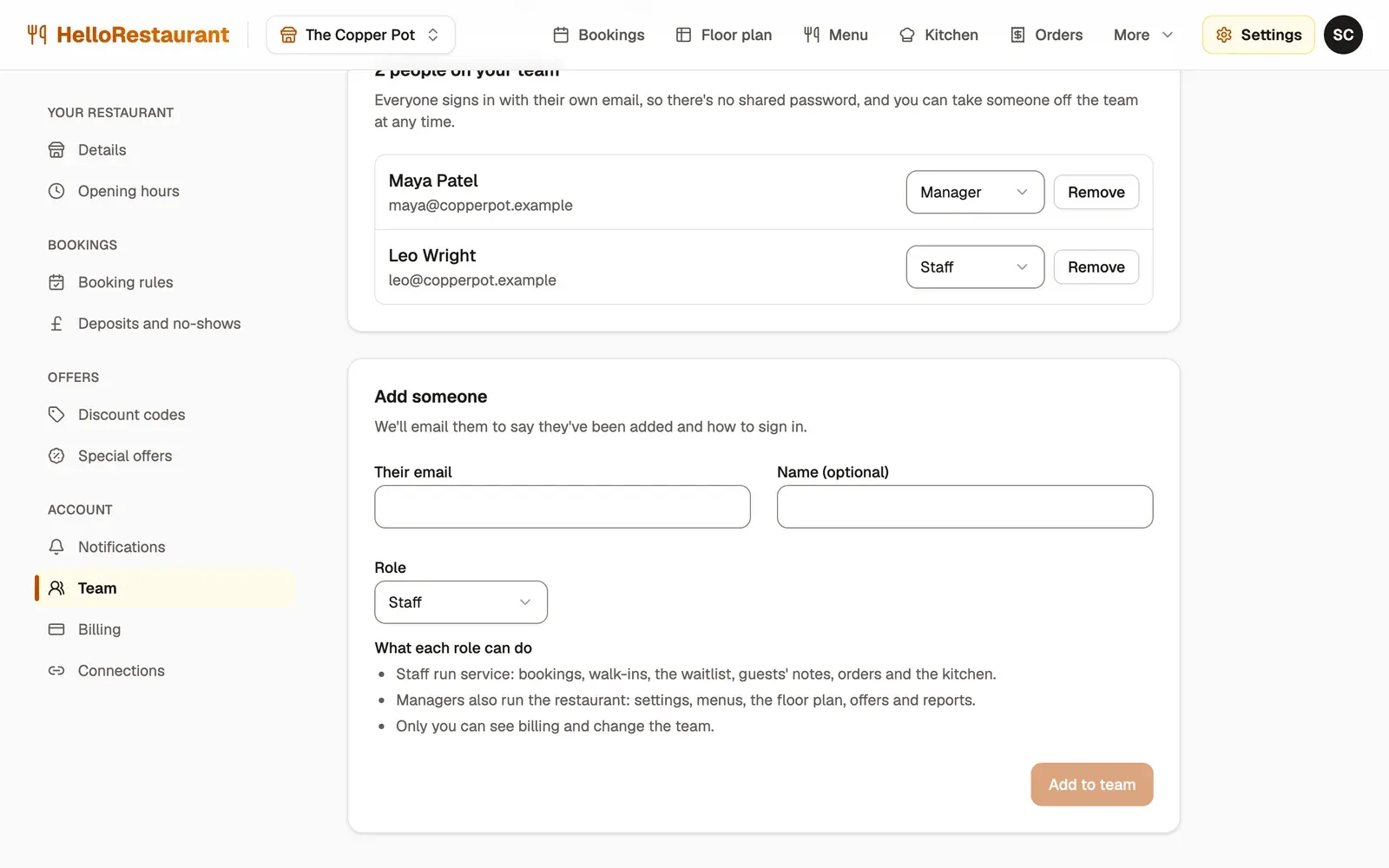
-
Open Settings in the top bar, then choose Team.
-
Under Add someone, enter Their email and, if you like, their Name.
-
Choose their Role, Staff or Manager, then press Add to team. We email them to say they’ve been added, with how to sign in.
They sign in at hellorestaurant.co.uk with that email address, using a sign-in link we email them or their Google account.
What each role can do
Section titled “What each role can do”| What they can do | Staff | Manager | Owner (you) |
|---|---|---|---|
| Bookings, walk-ins and the waitlist | Yes | Yes | Yes |
| Blocking tables and times | Yes | Yes | Yes |
| The guest list, with guests’ notes and tags | Yes | Yes | Yes |
| Orders and the kitchen screen | Yes | Yes | Yes |
| Settings, menus, the floor plan and table joins | No | Yes | Yes |
| Your booking page and social posts | No | Yes | Yes |
| Offers, emails to guests and replies to reviews | No | Yes | Yes |
| Analytics and exports for your accounts | No | Yes | Yes |
| Billing and the team | No | No | Yes |
If someone opens a page that isn’t part of their role, they’re told so, with a link back to the bookings.
Change someone’s role
Section titled “Change someone’s role”Choose a new role from the list beside their name. It changes straight away.
Remove someone
Section titled “Remove someone”Press Remove beside their name, then Remove again to confirm. They can’t sign in to your restaurant any more. Their bookings and notes stay.
Check your subscription, or carry on to your floor plan.