

Join tables for bigger parties
When a party is too big for any one table, two or more tables pushed together can seat them. Tell HelloRestaurant which tables you join, and it can offer them as one.
How joins are used
Section titled “How joins are used”- Online bookings: each guest gets the smallest single table that seats their party. If no single table is big enough, they get the smallest join that is.
- Bookings you add: choose Smart, and the smallest free table or join is picked for you, or choose Table join to pick one yourself. See Take bookings.
A booking on a join holds every table in it, so none of them can be booked separately for that time.
Join tables on the floor plan
Section titled “Join tables on the floor plan”- Open Floor plan in the top bar and press Join tables.
- Choose each table you’d push together. They’re marked with a tick.
- Press Confirm join. Give the join a name if you like, such as “The long table”, then press Confirm join again.
- Press Save layout. The join isn’t kept until you do.
Change or remove a join
Section titled “Change or remove a join”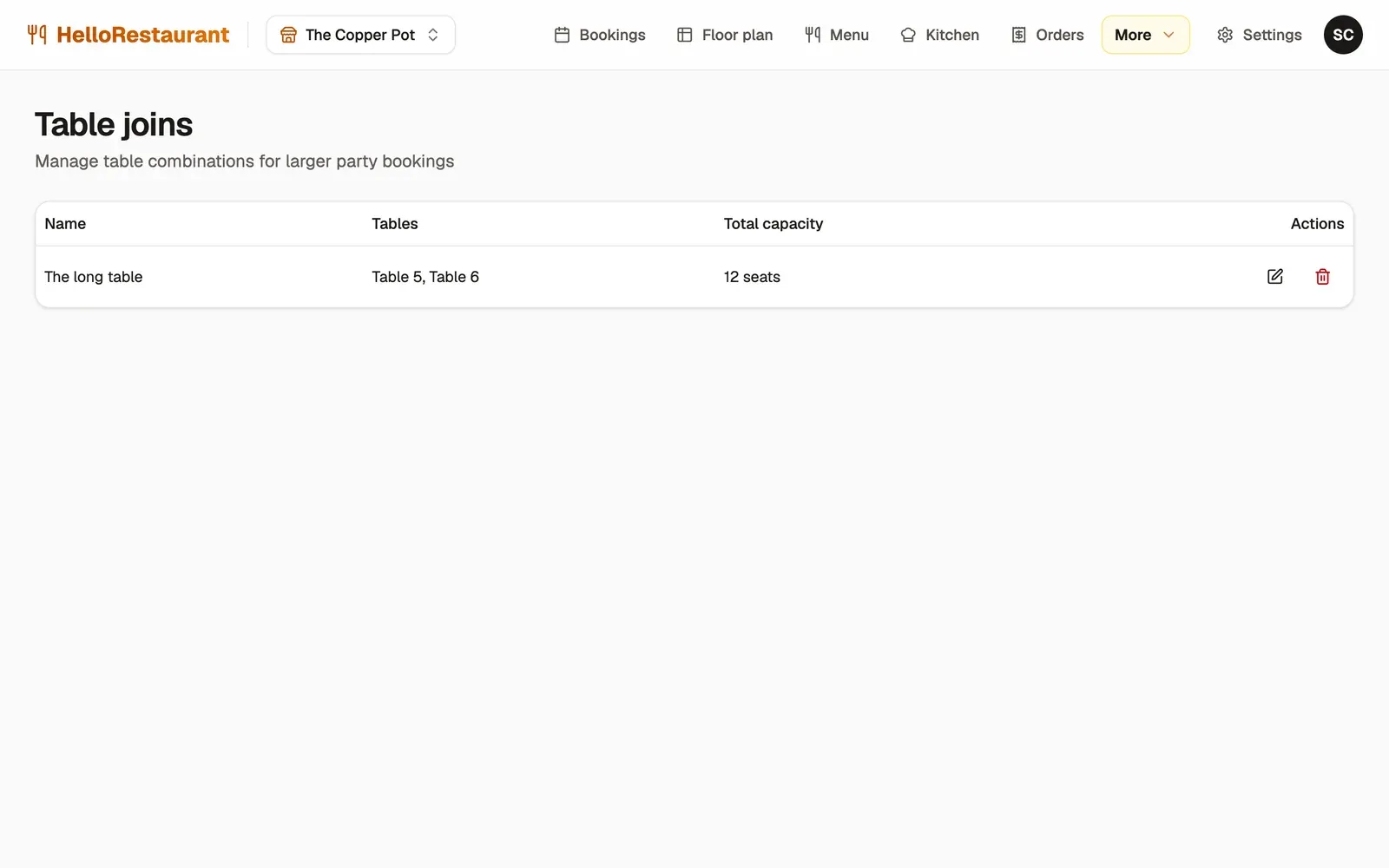
-
Open More in the top bar, then Table joins. Each join shows its name, its tables and how many it seats.
-
Press the edit button beside a join to rename it or change its tables. A join needs at least two tables. Press the delete button to remove it.
Removing a join doesn’t change any bookings already made on it.
Block a table or time for a private party or a broken table.