

Your booking page
Every restaurant gets its own page where guests book a table, with an address that’s easy to share, such as thecopperpot.hellorestaurant.co.uk.
Choose your address
Section titled “Choose your address”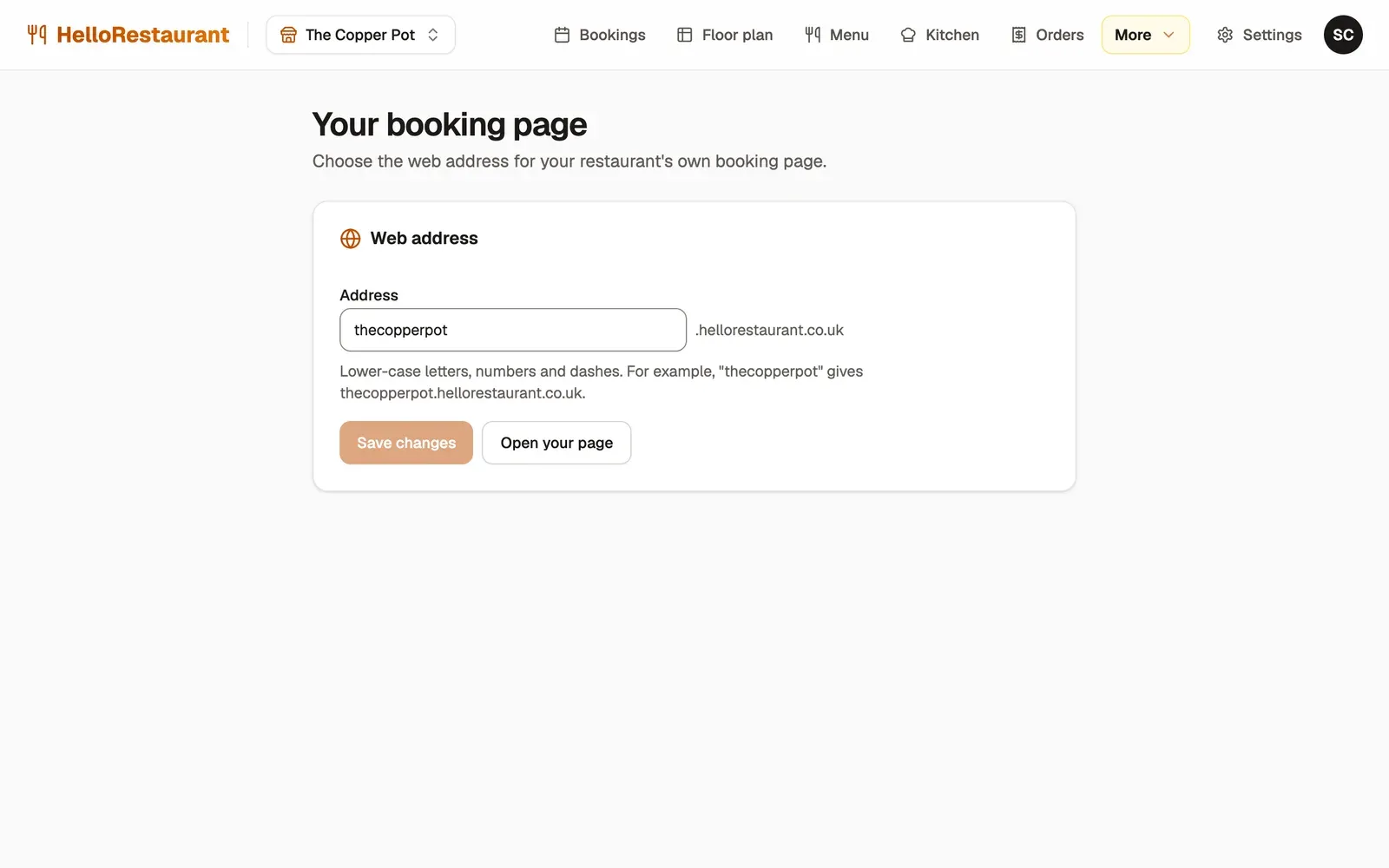
-
Open More in the top bar, then Website, and type the Address you’d like. Use lower-case letters, numbers and dashes, such as your restaurant’s name.
-
Press Save changes, then Open your page to see it as guests do.
What guests see
Section titled “What guests see”Your booking page shows, from the top:
- your cover photo, name, cuisine and rating
- your opening hours, breaks and closures
- your phone number, email address and address
- your amenities
- Book a table, or your phone number while online bookings are off
- What’s On: your current social posts
- your reviews, with your replies
- a map
Everything comes from your settings, so the page is always up to date. There’s nothing to design or publish.
How guests book
Section titled “How guests book”- They press Book a table, then choose the date, the number of guests and a time. Only times you can take are offered, from your opening hours, booking rules and free tables.
- They give their name, email and phone number, and any requests, such as a high chair. They can tick a box to hear your news and offers by email.
- If you take deposits, they pay by card.
- They get a confirmation email, with a link to change the date, time or number of guests, or cancel.
Put your booking link everywhere guests look for you.