

Notifications
We send guests an email when they book, and you an email when a new online booking comes in. Choose which other emails go out, and when.
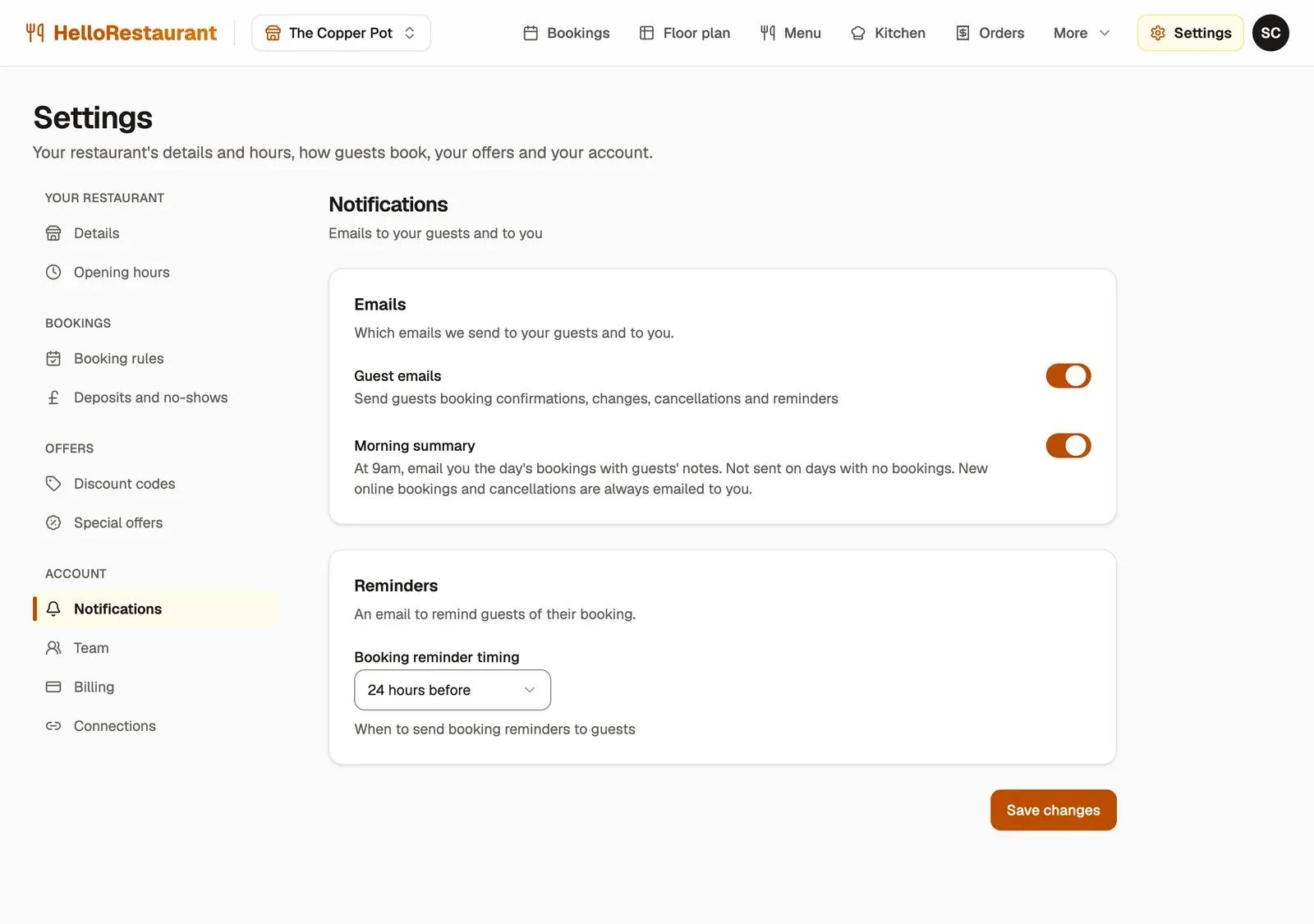
-
Guest emails: booking confirmations, changes, cancellations and reminders. Leave this on unless you send your own.
-
Morning summary: at 9am, an email to you with the day’s bookings and guests’ notes, so you know who’s coming before you open. It isn’t sent on days with no bookings.
-
Booking reminder timing: when guests get a reminder of their booking, from 2 to 48 hours before. A reminder the day before gives guests time to cancel, so you can rebook the table.
-
Press Save changes.
What guests get
Section titled “What guests get”With guest emails on, guests get an email when:
- they book, with a link to change or cancel their booking
- you change the date or time of their booking
- their booking is cancelled
- it’s time for their reminder
After their visit, once you mark the booking as Finished, guests are also emailed a short form to review their visit.
What you get
Section titled “What you get”These go to your restaurant’s email address, set in Restaurant details. If you haven’t set one, they go to the email you sign in with.
- a new online booking
- a guest changing or cancelling their booking
- the morning summary, if it’s on
Bookings, changes and cancellations from guests are always emailed, so you never miss one.
Bring in your team, each with their own sign-in.